Create a Logo for T-Shirts: The Complete Guide for Companies, Events & Teams
Why a Custom T-Shirt Logo Matters
A custom-designed logo on a T-shirt ensures strong recognition, a professional appearance, and a unified look. It acts as a visual ambassador of your brand and contributes to a positive perception. Companies, clubs, and event organizers use T-shirt logos purposefully for:
- Branding & Visibility: Your company logo on textiles works like a walking business card.
- Team spirit: Uniform shirts strengthen the sense of unity.
- Events & Promotion: Logos on T-shirts attract attention and are memorable.
Step-by-Step: How to Create Your Logo for T-Shirts and Hoodies
1. Define Goals & Style
Before starting the design, clarify:
- What will the T-shirt be used for? (e.g., employees, trade shows, sports teams, promotional use)
- What message should the logo convey? (Professionalism, creativity, dynamism)
- Should it be used long-term or for a one-time event?
2. Develop Design Elements
A good logo is:
- Simple & scalable: Clearly recognizable even in small sizes
- Well structured: Without too many details or text
- Color-reduced: For cost-effective and high-contrast printing
- Timeless: Avoids trends that quickly go out of style
3. Tools & Software to Create Logos
Our own AI design tool (recommended): The free design tool by Wear Your Imagination is ideal for anyone who wants to quickly and easily create a professional logo for their T-shirt without prior knowledge. Your desired design is automatically generated using AI based on a short description. Intuitive, time-saving, and free.
Other online tools:
- Canva – many templates, easy to use
- Hatchful by Shopify – free & fast
- Looka – AI-powered logo creation
- Adobe Illustrator
- Affinity Designer
- Inkscape
Alternatively: hire a designer via platforms like 99designs or Fiverr.
4. Print Requirements
Format & resolution:
- Vector graphics (.SVG, .AI, .EPS): Ideal for lossless scaling
- Raster graphics: At least 300 dpi at original size
- .PNG with transparent background: Avoids white edges
Color mode:
- CMYK: For textile-compatible color rendering
- Pantone (optional): For exact corporate colors
Print positions:
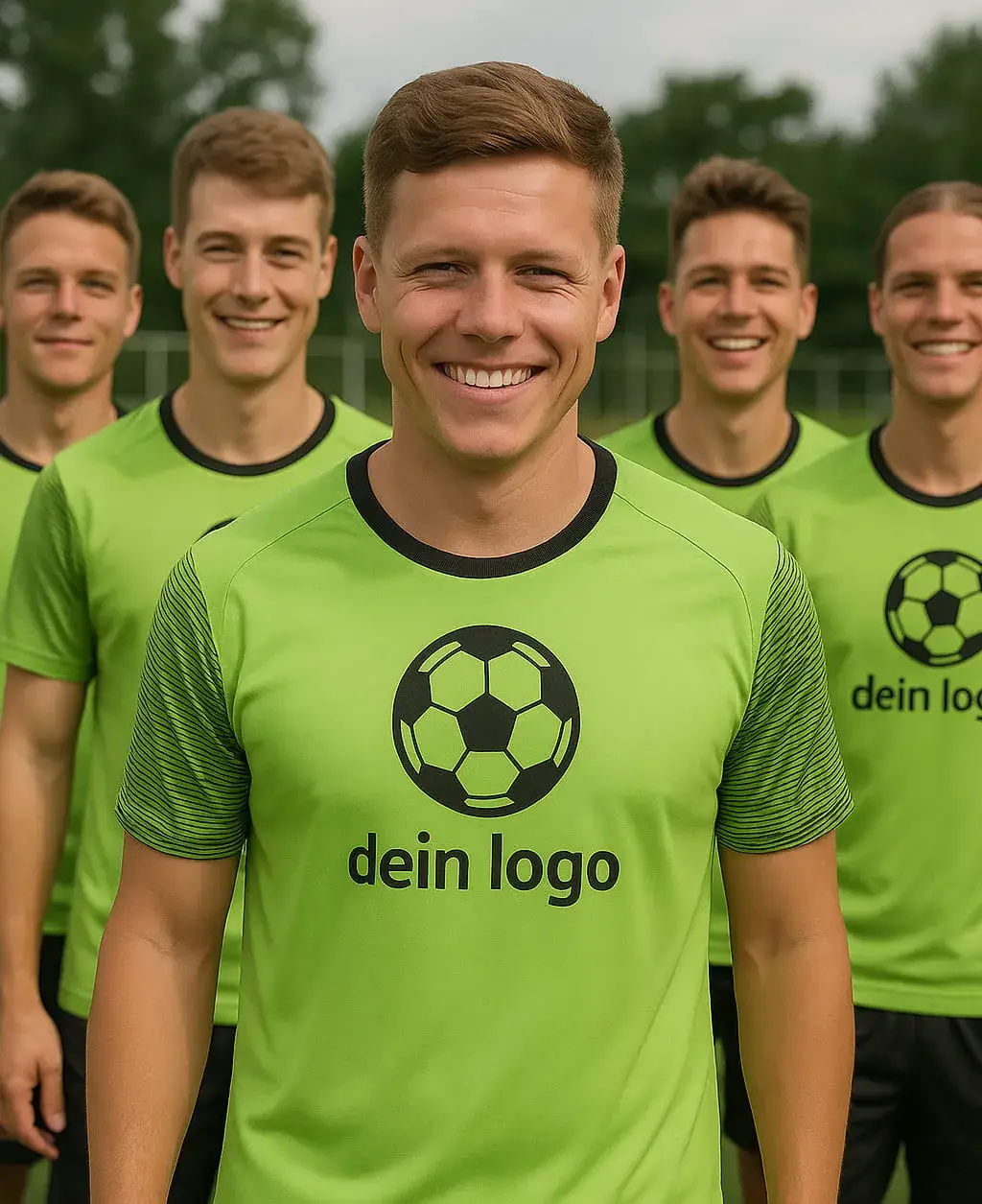
- Left chest – classic & subtle
- Center front – eye-catching at events
- Upper back – clearly visible for groups
- Sleeve or side – sporty & modern
Tip: Our design tool automatically generates the right format, correct resolution, and applies CMYK conversion.
5. Avoid Common Mistakes
- Logos with fine lines and tiny details – these often appear blurry on fabric or disappear during printing. Better: Use clear shapes and visible outlines.
- Too many colors (expensive to print) – limit to two or three colors to reduce printing costs and achieve a cohesive look.
- Wrong formats (.JPG with white background) – these are unsuitable for textile printing as they don't support transparency. Use PNG or vector formats with transparent background instead.
- No rights for used symbols or fonts – this can lead to legal issues. Use royalty-free or self-created elements.
Tip: Our hoodie design tool automatically ensures that all design parameters – from format and color count to licensing – are optimized for textile printing. This helps you avoid typical beginner mistakes from the start.
6. Additional Tips for a Successful Logo
- Use mockups for previews: Show the logo on different T-shirt colors and styles to test its effect.
- Get feedback: Share first drafts with colleagues, friends, or your team. Often, distance or external input reveals potential for improvement, e.g. in color choice, readability, or impact.
- Test a sample print: Before mass production, print at least one shirt with the final logo. This ensures that colors, size, and placement are perfect.
- Pay attention to scalability: Your logo should work both on a small print (e.g., chest pocket) and in large format (e.g., back). Avoid fine details or delicate lines that may be lost in small scale.
- Check contrast and background: A light-colored logo on a white shirt may appear weak. Use high-contrast color combinations that stand out well on textiles.
Links for Further Info:
Checklist: Successful T-Shirt Logo in 5 Steps
- Define goals: What message should the shirt convey?
- Design logo: With AI or tools like Canva
- Check file format: Vector or PNG with 300 dpi
- Use mockups & get feedback: Visualize before printing
- Order test print: Check print quality before full run
Create a logo with AI: the fastest route to a finished shirt
You don't need a design studio to get a professional t-shirt logo. In the WYI design tool, simply describe the logo you want – for example “minimalist logo with a mountain silhouette and the wordmark ‘Trailcrew’, two colours” – and the AI generates several variants in seconds. Place the best result directly on a t-shirt or hoodie, check the preview and order.
The advantage over classic logo makers: you see your logo on the actual product right away – with fabric colour, size and position. So you'll know before ordering whether the design works on dark fabric or the lettering needs to be bigger.
Tips for logo prompts:
- Name a style (minimalist, vintage, emblem), a subject and at most two colours
- Ask for a transparent or solid background – it prints cleaner
- Avoid fine details and thin lines – they disappear in print
Frequently asked questions about t-shirt logos
How much does it cost to print a logo on a t-shirt?
At WYI, printing is included in the product price – there are no setup fees and no minimum quantity. The logo itself is free to create with the AI in the design tool.
Can I use my existing company logo?
Yes. For company shirts with an existing logo we recommend a high-resolution print file with a transparent background (PNG). See the print requirements section above for format details.
Which file format works best for logo printing?
A PNG with a transparent background at the highest possible resolution is ideal. Export vector logos (SVG, EPS) as a high-resolution PNG first.
How many shirts do I need to order for a logo print to pay off?
Just one: on-demand production means there is no minimum order. For teams and events you can order any number of shirts with the same logo in different sizes – see also designing team shirts.
Conclusion:
The Right Logo for a Strong Appearance
A good T-shirt logo is more than just a design – it's part of your brand identity. Invest time in planning and design, use print-ready formats, and test before placing the final order. Whether for companies, teams, or events: A strong logo on a shirt leaves a lasting impression. For more information on T-shirt printing or support with your design, feel free to contact us.